The fault library behind every PEAK alert.
6,000+ fault rules written by building engineers, covering more than 60 types of equipment. CIM deploys them to each building, keeps them tuned, and adds to the library as new plant and new faults turn up.
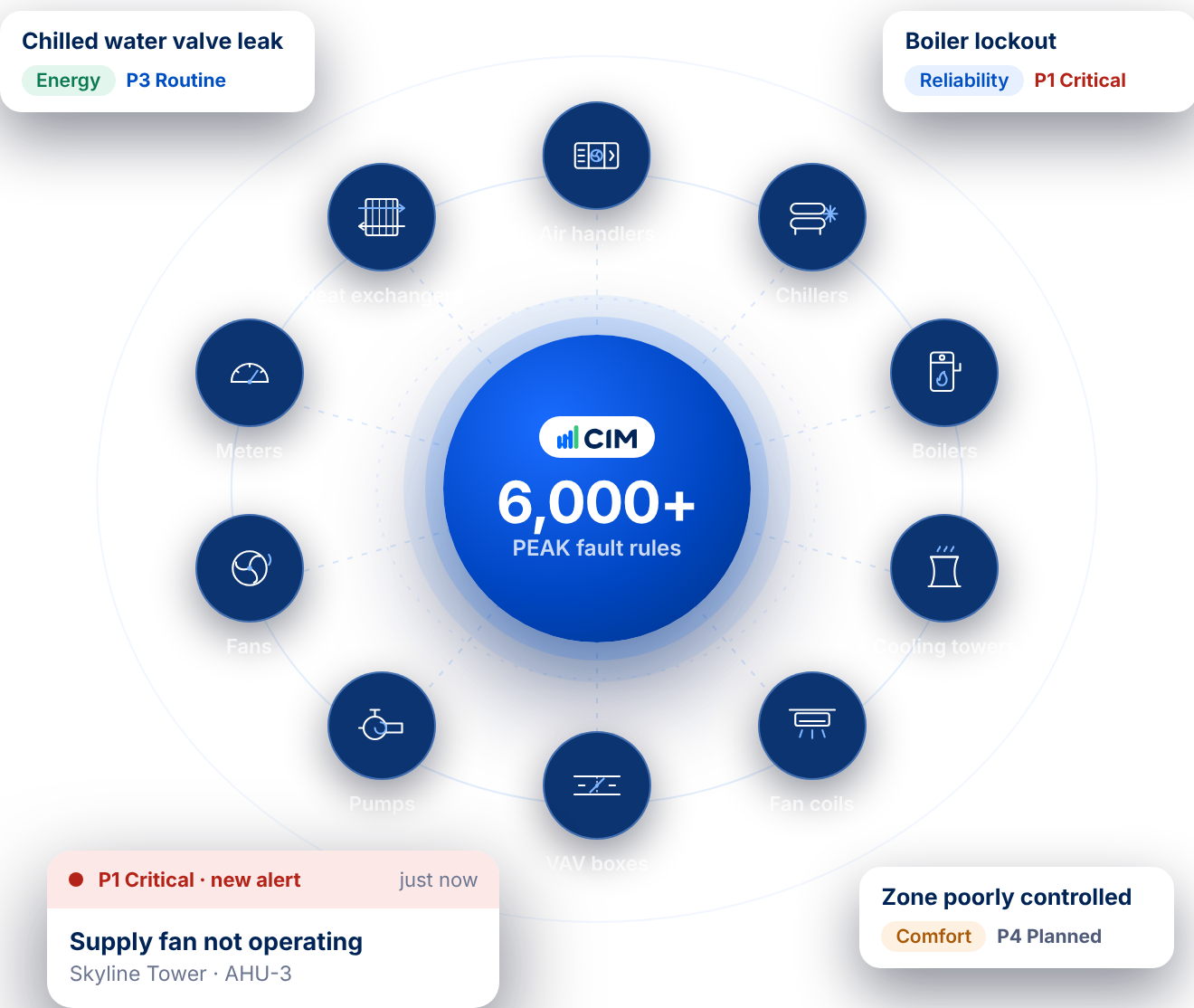

6,000+
fault rules in the library

1,000+
fault families

60+
equipment types covered

600,000+
rules running on live buildings
If it’s in the plant room, it’s in the library
Air, water, heat, power and people movement: 1,000+ fault families, ready the day a building goes live. Here is a taste, straight from the live library. The logic behind each one stays with CIM.
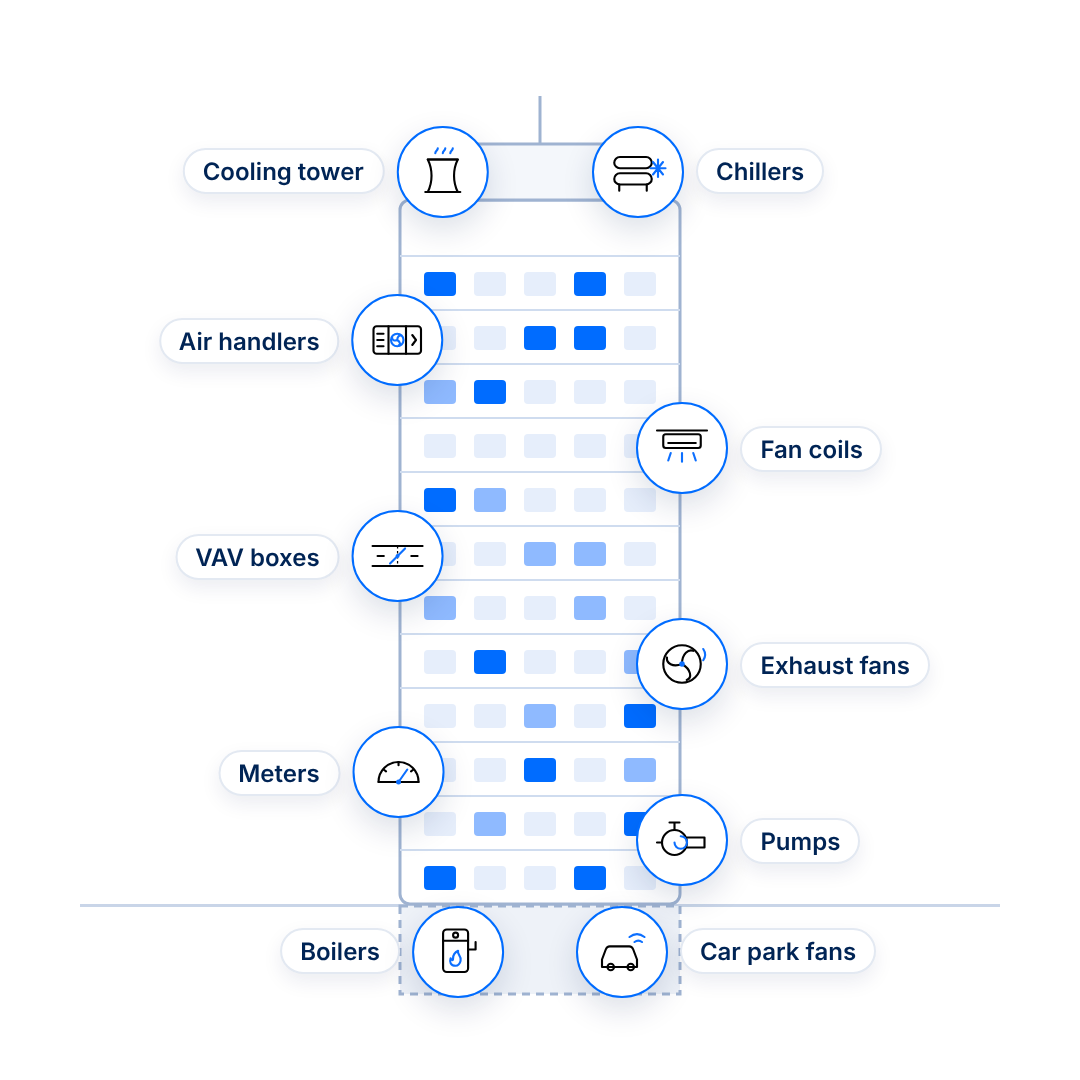


140+ ways equipment goes wrong, sorted into four kinds
The same fault types repeat across every kind of plant, so an engineer reads a valve fault on a fan coil the same way as one on an air handler.

Sensors
Readings that cannot be trusted.
- Broken sensor
- Flatlined reading
- Miscalibrated sensor
- Out of range

Control
Plant doing something other than what it was told.
- Hunting
- Poor control
- Overridden on or off
- Setpoint changed

Mechanical
Components that have failed or are failing.
- Valve stuck or leaking
- Short cycling
- Not operating
- Dirty filter or condenser

Operation and energy
Plant running when or how it should not.
- Running overnight or at weekends
- Simultaneous heating and cooling
- Fan or pump speed not optimised
- Low delta T
Every 15 minutes, four questions
Most of a rule's work is deciding what not to raise. That is what keeps the alert list short enough to act on.
 Step 1
Is it running?
A rule only checks plant that is switched on and has what it needs, like chilled water. Cold air from a unit that is off is not a fault.
 Step 2
Is the fault there?
The rule compares live readings from the equipment and its parent plant against how that equipment should behave.
 Step 3
Has it lasted?
A one-off blip is ignored. The fault has to persist across consecutive checks before anyone is told.
 Step 4
Alert, then close
The alert names the fault, explains it and recommends a fix. It closes on its own once the data shows the fault has cleared.
Written once, deployed everywhere it fits
Real buildings differ. One air handler controls on supply air, another on zone temperature; one site is metric, the next imperial. So each fault family carries variants, and the right one is bound to each piece of equipment.
One kind of failure on one kind of plant.
Variants for different sensor setups, valve arrangements and unit systems.
Each one bound to the real points on a real piece of equipment.
Every rule says why it matters
Each rule carries an impact and a priority, so a P1 reliability fault is not buried under a P4 comfort one, and energy faults can be totalled for the client.


Live in weeks, tuned to the building
Nobody writes rules from scratch for a new site. The library is matched to the equipment that is actually there.

Coverage report
CIM checks the points and equipment on the site and reports which rules will run, by equipment type and fault category, and which missing points would add more.

Review
Your team, or your service partner, confirms what fits the building. Heating rules on a cooling-only site come out.

Deploy
CIM deploys the approved rules in bulk, each bound to its equipment with the right schedule and alert settings.

Tune
After go-live, rules that are too sensitive or not sensitive enough are adjusted, and missing coverage is added.
Hoffman Building Technologies had 576 rules running across 63 pieces of equipment at its Charlotte headquarters in under 20 days. Read the story →
No rule goes live on a hunch
A noisy alert list gets ignored. So every rule passes the same five checks before it joins the library, and the ones that make it are the ones engineers trust.


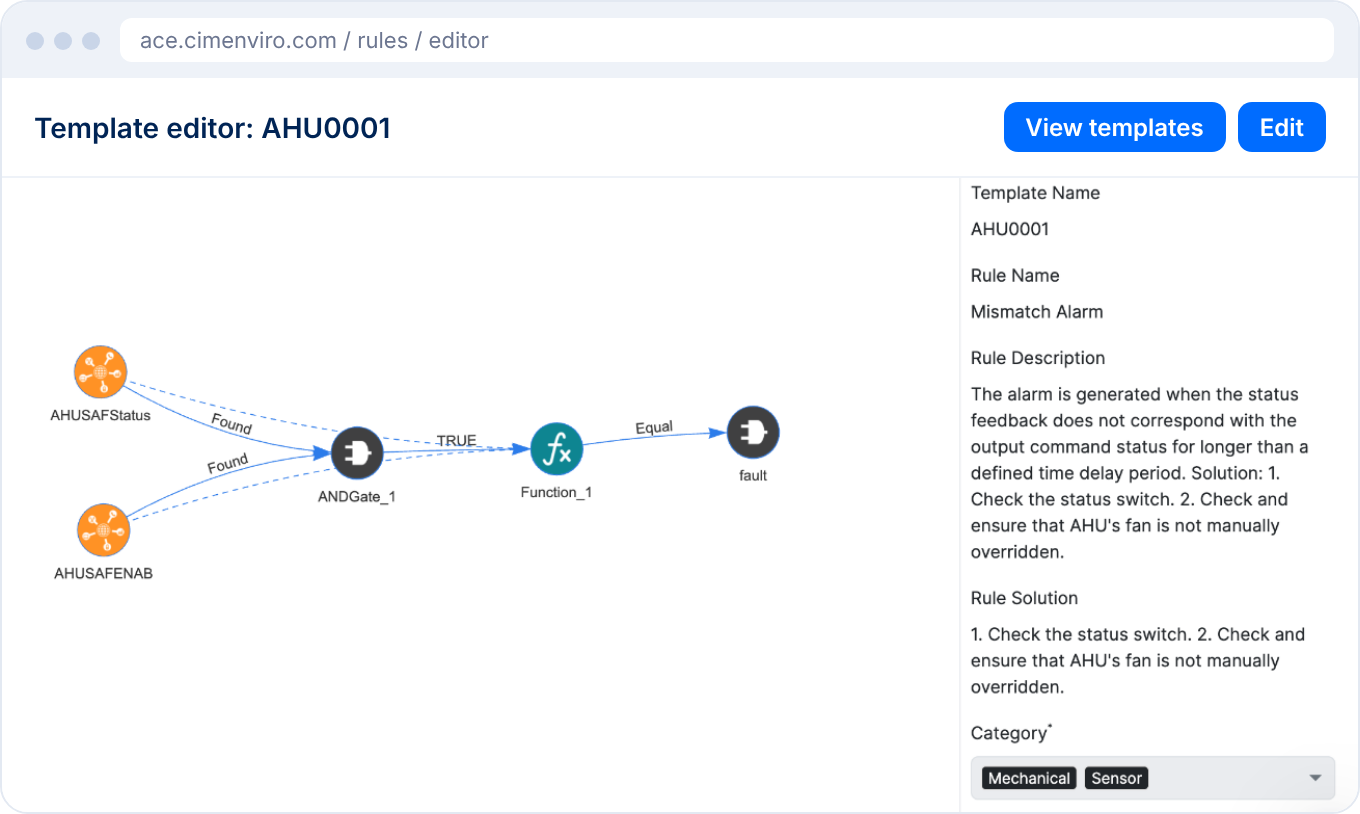
Unusual plant? Add your own
Engineers can build their own rule templates for site-specific plant or faults the standard library does not cover. CIM reviews them on request, and once validated they can be reused on other sites.

Built in the PEAK rule editor, with the same inputs and alert fields as the standard library.
What the rules caught
 Case study
A full rule set live in under 20 days
576 rules across 63 pieces of equipment. One air handler fix cut fan power by 58%.
 Story
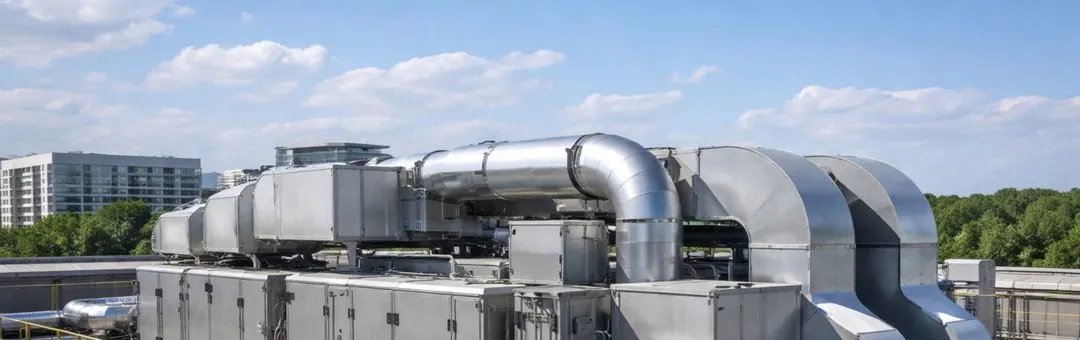
A failed 24/7 air handler, flagged as critical
The rule raised a P1 alert and it went straight to the mechanical contractor with no manual triage.
 Story
The fix that looked closed
The alert stayed open after a sensor swap until the scaling error behind it was found.
The rules library, answered
How does PEAK compare with the alarms in your BMS? See PEAK vs a BMS.
What is in the PEAK FDD rules library?
More than 6,000 fault detection rules, grouped into over 1,000 fault families across more than 60 types of building equipment: air handlers, fan coils, VAV boxes, chillers, boilers, cooling towers, pumps, fans, meters and more. Each family covers one kind of failure on one kind of plant, with variants for different sensor setups and for metric or imperial units.
Can we see the logic behind each rule?
You see what each rule found: its name, description, recommended solution, impact, priority and the live trend data behind the alert, and thresholds can be tuned on each deployed rule. The detection logic itself is CIM's intellectual property and is not published.
How many rules will run on my building?
It depends on the equipment and points the building has. Before deployment, CIM produces a coverage report showing which rules will run and which missing points would add more. Hoffman Building Technologies runs 576 rules across 63 pieces of equipment at its Charlotte headquarters.
How often do the rules run, and when do they raise an alert?
Rules check the data every 15 minutes, on the schedule that suits the equipment: all day, working hours, or after hours. An alert is raised only once a fault has persisted across consecutive checks, and it closes automatically when the data shows the fault has cleared.
Can we add our own rules?
Yes. Engineers can build their own templates for site-specific plant or faults the standard library does not cover. CIM reviews them on request, and once validated they can be reused on other sites.
Does the rules library replace our BMS alarms?
No. PEAK sits beside the BMS and reads its data. BMS alarms trip when a single value crosses a limit; PEAK's rules look at how the equipment is behaving over time and in relation to the plant around it.